Stop Overthinking YouTube: A Real Estate Agent's Guide to Videos That Convert
You know you need to film YouTube videos. You want future clients to know, like, and trust you. But you sit down to record and think, what should I film? What am I going to say? Can you relate to that?
The problem isn't that you don't have anything valuable to share. The problem is you're treating content creation like it's something separate from what you already do. You answer buyer questions every week. You explain neighborhoods, commute times, cost of living, and what people should know before relocating. You've had these conversations a hundred times. The goal isn't to become a professional writer or a polished presenter overnight. The goal is to turn the knowledge you already have into videos people can easily follow.
This article breaks down the exact process I use: how to choose your next video topic, how to turn your knowledge into a script, how to use AI to organize your thoughts without losing your voice, how to batch your filming and save time, and how to build a content schedule you can actually stick to. Stay until the end because I'm going to include a free resource to help you put this into action.
Table of Contents
- Start With a Clear Purpose and Audience
- Understanding Curiosity-Driven vs. Evergreen Content
- Build a Foundation for Searchable Topics
- Research Before You Write
- Study What's Already Working
- Use Your Expertise and AI to Build Scripts
- Talk Through Your First Draft
- Use ChatGPT to Organize Your Thoughts
- Give Your Videos a Clear Flow
- Connect Your Title With Your Hook
- Include Natural Next Steps and CTAs
- Make Your Resources Easy to Access
- Batch Your Filming and Save Time
- Put Your Process on Your Calendar
- Conclusion: Turn Your Knowledge Into Videos
Start With a Clear Purpose and Audience
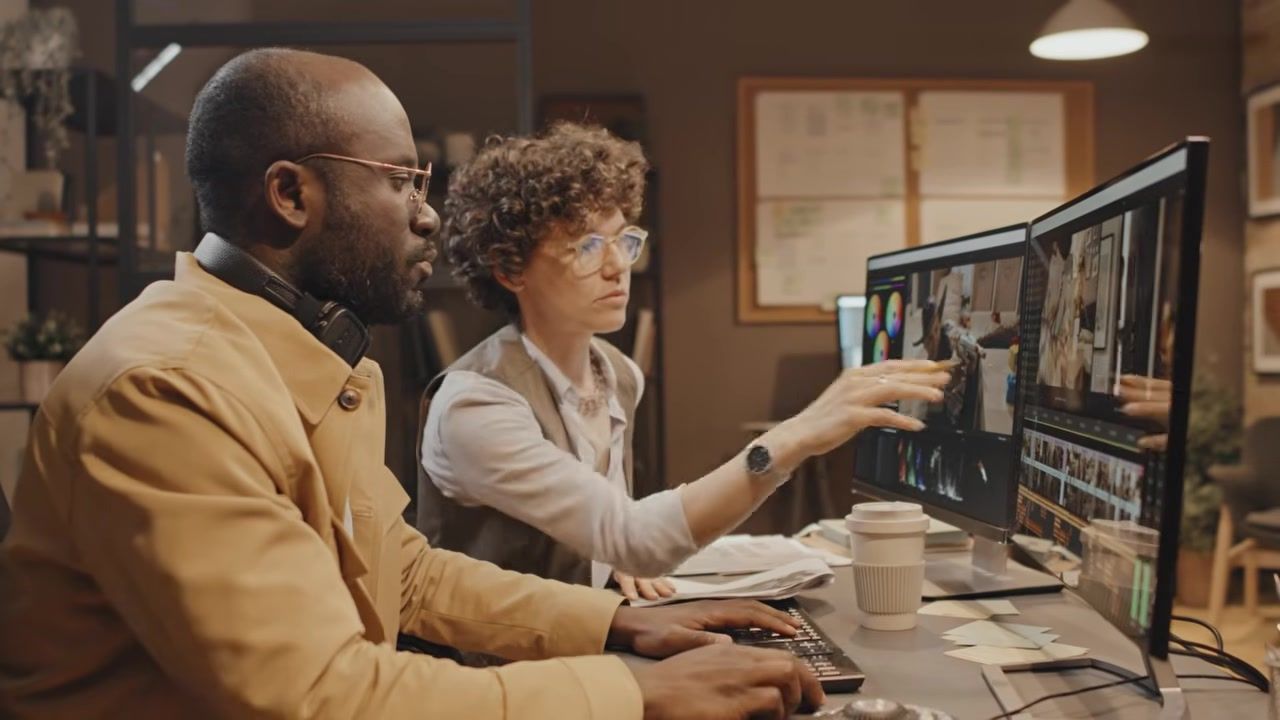
Maybe you're doing everything yourself: researching topics, writing scripts, filming, editing, creating a thumbnail, writing the title and description. If that's you, hats off to you. Congratulations, you're rolling. Or maybe you're paying a service to handle the editing and the thumbnail, title, and description, and that's something we help you with here at Liftoff Agent. But you still need to decide, what am I going to film next? And what do I want to say?
Either way, start with who am I trying to reach? What questions do they have? Your future clients. How can my knowledge help them? Give every video a clear purpose before you start scripting. Don't film just to film. Film because you know the answer to a question someone is actively searching for, and you want to be the agent they find.
Understanding Curiosity-Driven vs. Evergreen Content
There's a different way to approach your topics. You have curiosity-driven content , outlier videos that are trendy, get lots of views. Why are people living in blank city? Pros and cons of living in blank city. Don't move to blank city before watching this video. Those topics are curious, catch attention.
But evergreen content , here's some examples that are always going to be available and always searchable for years to come. What is it like living in a specific community? Cost of living in your market? How different neighborhoods compare? Local restaurants and things to do within that area? What buyers should know before relocating? These topics answer questions people continue asking.
And the two approaches can overlap. A useful searchable topic can also have a catchy title and thumbnail as well. My recommendation: start with evergreen content that helps your future clients, then layer in curiosity-driven hooks when it makes sense.
Build a Foundation for Searchable Topics
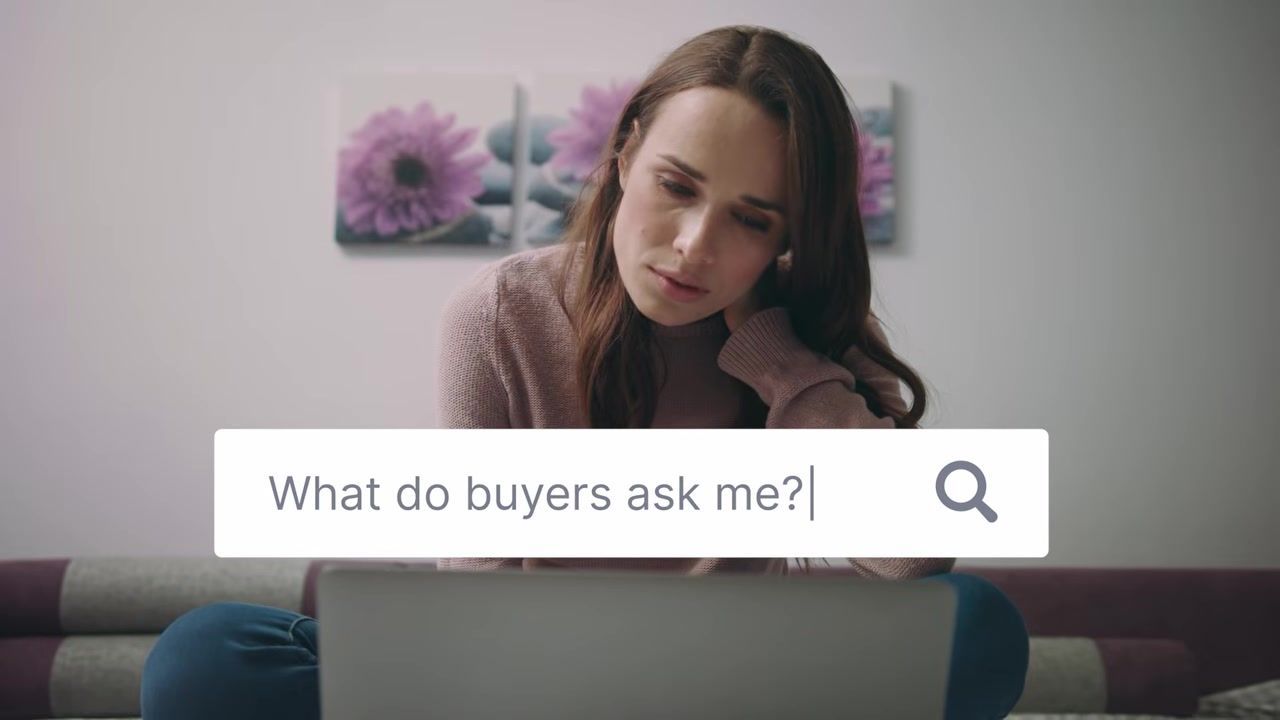
Start with evergreen content that helps your future clients and ask yourself: What do buyers ask me every week, every month? What do sellers need help with understanding? What would someone moving here want to know? What local knowledge do I take for granted?
Think about questions you already answer in your business. Those conversations can become your next videos. Simple as that. You don't need to invent new expertise. You need to document the expertise you already use every single day. If a client asked you about it twice this month, someone else is searching for it on YouTube right now.
Research Before You Write
You don't have to guess what to film. You can explore YouTube search suggestions. You can explore Google Trends, questions from your clients, other agent videos in your market. You can do some research there. You can look at the questions viewers leave in the comments and basically turn that into a video itself.
Look for topics people are interested in, questions you can answer through those videos, opportunities to add local perspective, information that needs a clear or updated explanation. Choose the topics first and then build the script around it. Research gives you confidence that what you're filming is something people actually want to watch.
Study What's Already Working
Look at other agents' consistent content in your market and then ask which topics are finding out which videos perform well compared to very normal videos that they're filming. Then think about how are they producing the topics? What questions are viewers still asking?
You can cover a similar subject while being your personality, your explanation, your example, and your perspective. Use what you've learned to create your own version of a useful topic. Your delivery gives people another opportunity to connect with someone they can relate to. You're not copying. You're answering the same question in your own voice, with your own examples, and your own local knowledge.
Use Your Expertise and AI to Build Scripts
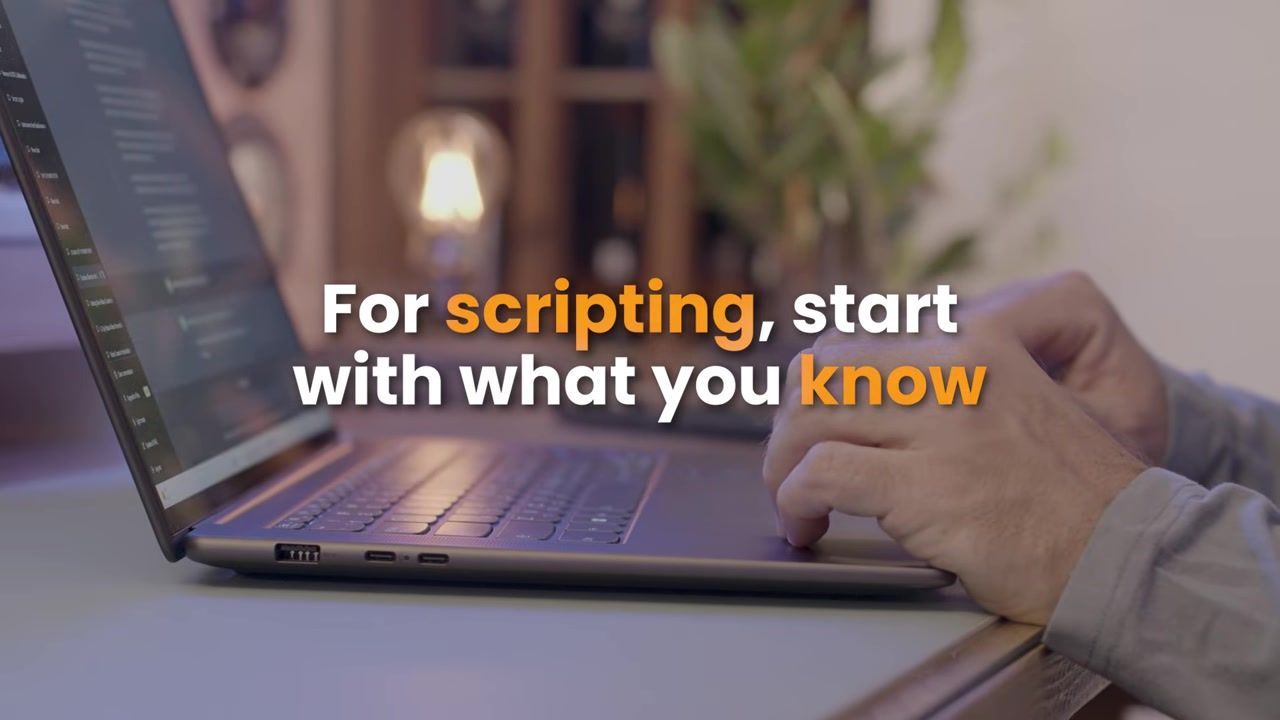
You can use ChatGPT to brainstorm topics, but when it comes to the script, start with what you know and what you would explain in a real estate conversation. Just being proactive, and that'll help answer questions within the video that someone didn't even know that they had, but you already answered that.
Then use AI to help organize it. Your experience gives the video substance, and then AI can help you give it structure. The scripting needs to come from you. AI is the assistant, not the expert. You're the expert. AI just helps you put your thoughts in an order that makes sense on camera.
Talk Through Your First Draft
Here's how I would do it. Open a Google Drive document, turn on voice-to-text within your computer, and then start talking. Imagine you're speaking to a client. What do I need to know about this? Then talk through your main points, examples, common questions, recommendations, things people should consider.
Don't worry about getting every sentence perfect. Just like what I do with this video, I talked everything through. I even talked the agent through a strategy call at Liftoff Agent, and then this script came up. Get your thoughts onto your page first, then you can clean it up and go through the actual flow afterwards. Voice-to-text removes the pressure of writing. You're just talking, which is what you do all day anyway.
Use ChatGPT to Organize Your Thoughts
Once you've talked through the idea, voice to text, Google Doc, ChatGPT organized script, then you can copy and paste your notes into ChatGPT and then use a prompt like this:
Turn these notes into a YouTube script outline for a real estate agent. Start with a strong hook. Use numbered sequence, short bullet points, a clear transition to keep my voice and leave room for my own commentary. Remove anything that's repetitive. Finish with a clear call to action.
Review it and then ask yourself: Does this sound like me? Is there anything important missing? And are the facts accurate? Make sure that your finished script really reflects what you say. You don't want to just read off a teleprompter because sometimes it can get super like, okay, this guy's just reading. I like to have some bullet points and then keep things separate so that I can actually talk on my own on top of reading maybe a script or bullet points.
Give Your Videos a Clear Flow
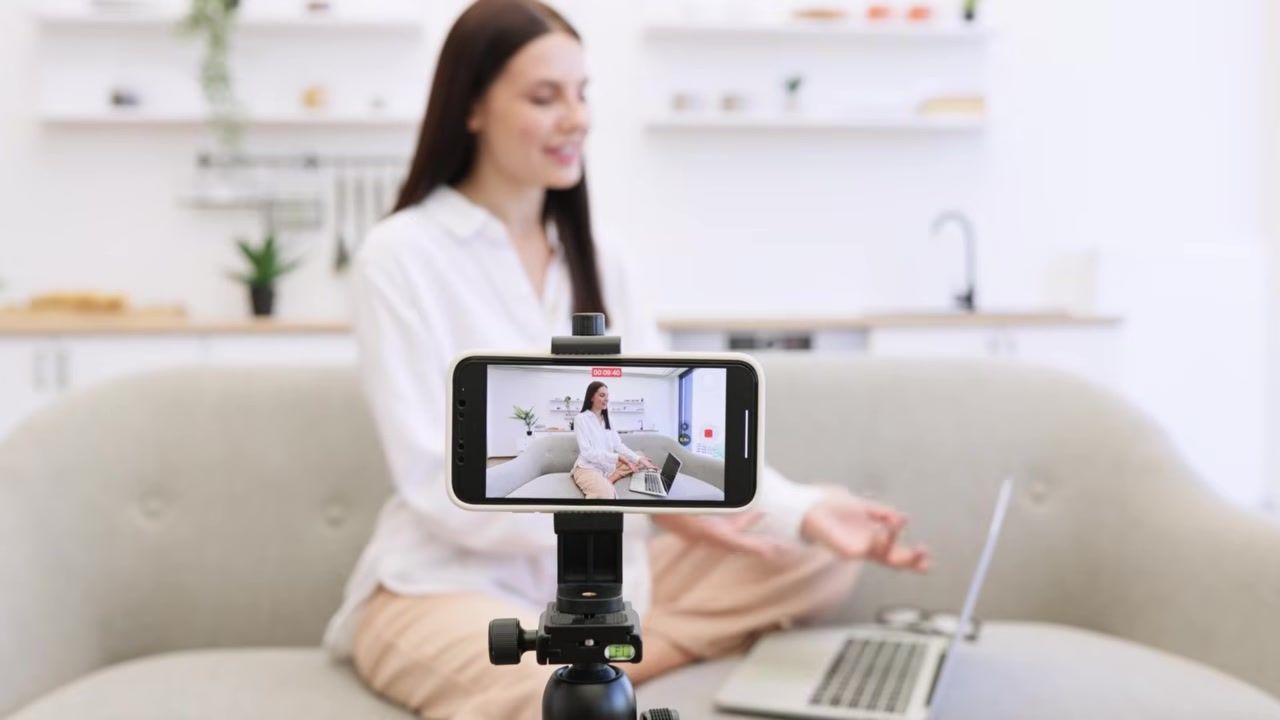
I love being organic when I speak, but I also want someone to watch and follow my thoughts. Give them a simple progression through the video. You have hook, point one, point two, point three, and then next steps. Avoid jumping between ideas without finishing one point. That's why ChatGPT and the organization really helps.
You could use a teleprompter, or you can keep the outline nearby. You can actually have a piece of paper you could print and put it underneath your camera. Let the script keep you focused while your personal characteristics and your personal understanding and conversation comes out natural. Structure gives you confidence. Confidence gives you clarity. Clarity keeps viewers watching.
Connect Your Title With Your Hook
Start with a working title that matches your research, then open with a hook that drives to the title. For example, title: How to Set Up Your YouTube Script as a Real Estate Agent. Hook: You know you need to film YouTube videos, but how do you decide what to say without rambling or sounding like you're reading?
Your hook should make the title feel like the answer they've been looking for. If the title promises a solution, the hook should name the problem in a way that makes them nod and say, yes, that's exactly what I'm dealing with.
Include Natural Next Steps and CTAs
Your videos can introduce viewers to other helpful resources. For example, your website, downloadable guides, community map, related videos, and helpful tools. Keep the resources connected to the topic. Something as simple as, by the way, I've included a free beginner guide to YouTube below. It will help you plan what to film and how to get started. Then keep going.
Your CTA should be helpful, part of the conversation, and not something that's super obvious. Don't suddenly change personalities or start hard selling. Just tell them what's available and why it might help them take the next step.
Make Your Resources Easy to Access
Some viewers will watch on a television, others will be on a phone or computer, but give them an easy way to access your resources. If they're on a television, you can put a QR code on screen. They can go ahead and scan it. If they are on a phone, then there could be a link in the description. You could also do a pinned comment, so it could be the top comment underneath the video, and then the website URL on screen. That's also something you could do.
Clear, visible instructions. Tell them what the resource is and how it can help them be able to solve a problem and get more information from the video you're filming. Make it easy. Make it obvious. Make it helpful.
Batch Your Filming and Save Time
You don't need to start from scratch every single week. My recommendation: start with one video per week, plan your topics and scripts in advance. Then you can go ahead and block out one day for filming per month, a second filming day if needed, and then a separate time for editing and handing the footage to your editor or edit yourself.
When you plan ahead, you can have an outline for a clear plan for your filming sessions. You can work towards eight videos per month if you have time to support that process. Start with a schedule you can consistently maintain because you have buyers and sellers and obviously a business to run. I do filming content days on Monday and it makes it super simple for me.
Put Your Process on Your Calendar
Don't leave content creation to I'll do it when I have time. Schedule time for topic research, talking through your ideas, organizing your scripts, filming, editing, reviewing, publishing. If you edit yourself, then give that work its own time block as well, because that's going to take more time. And if you have an editor, establish a clear handoff.
Research, script, film, edit, publish. Use your calendar. You'll thank yourself later. Treat content creation like you treat client appointments. If it's not on the calendar, it doesn't happen.
Conclusion: Turn Your Knowledge Into Videos
You already have the knowledge your future clients need. The goal is to turn that knowledge into videos they can easily follow. Choose a topic, talk it out, organize your thoughts, film, share, and then next steps. Your scripts don't need to be capturing every word you're saying. It needs to keep you focused and give you room to be able to be yourself.
To help you put this into action now, I've included a free resource below. It's a beginner guide for YouTube that helps you plan the next 23 videos that you need to film. There's a QR code on screen, links down below to drive leads to your website. You have the first guide for the first 23 videos to film, beginner guide for YouTube. Then you have the next guide to drive leads to your Liftoff Agent website, if you have a Liftoff Agent website with us, or you could just drive it to your own website. And then from there, there's also a guide on how to automate your real estate business utilizing technology.
If you want help with editing, thumbnails, titles, and descriptions, explore our system at Liftoff Agent. We help agents build a passive prospecting strategy that generates leads while you focus on serving clients. Let's have a no-obligation strategy call to discuss how we can support your content process and help you get more out of every video.
FAQ
How do I come up with video topics if I feel like I've already covered everything?
You haven't. Go back to the questions buyers and sellers asked you this month. Look at YouTube search suggestions for your market. Check the comments on other agents' videos. Topics repeat because new people are always searching. Your job is to answer the same question in your voice, with your examples, and your local perspective.
Should I use a teleprompter or just wing it?
Use whatever keeps you focused without making you sound like you're reading. I use a teleprompter with bullet points, not full sentences, so I can talk naturally on top of the structure. Some agents print an outline and put it under the camera. Test both and see what feels right for you.
How long should my scripts be?
Long enough to answer the question completely, short enough that you don't repeat yourself. Most of my videos run 8 to 15 minutes. If you're explaining one neighborhood, 6 to 10 minutes is plenty. If you're comparing multiple communities or walking through a process, 12 to 18 minutes works. Let the topic decide the length, not the other way around.
Can I use AI to write the entire script?
You can, but it won't sound like you. Use AI to organize your thoughts, not replace them. Talk through your ideas first using voice-to-text, then paste that into ChatGPT and ask it to structure it. Review the output and rewrite anything that doesn't sound like something you'd actually say. AI is the assistant, not the expert.
How often should I post videos?
Start with one video per week. That's 52 videos a year, which is more than most agents will ever film. Once you have a rhythm, you can increase to two per week or batch-film eight videos in one day and release them over the month. Consistency matters more than frequency. Pick a schedule you can maintain for the next year, not the next month.
What if I don't have time to edit my own videos?
Then don't. Hire an editor or use a service like Liftoff Agent that handles editing, thumbnails, titles, and descriptions. Your time is better spent filming, serving clients, and building relationships. Editing is a skill, and it takes hours. If you can afford to outsource it, do it. If you can't, block out dedicated time each week and treat it like a client appointment.
We specialize in working with real estate agents and teams to build local authority. We do this through creating and managing your brand, website, video and social presence.
We'd love to chat and show you how you can dominate your local market and avoid wasted marketing dollars.
Subscribe to Newsletter